Is Your Website Losing Leads? 7 Conversion Problems to Fix Before 2027
What Should Your Website Be Doing?
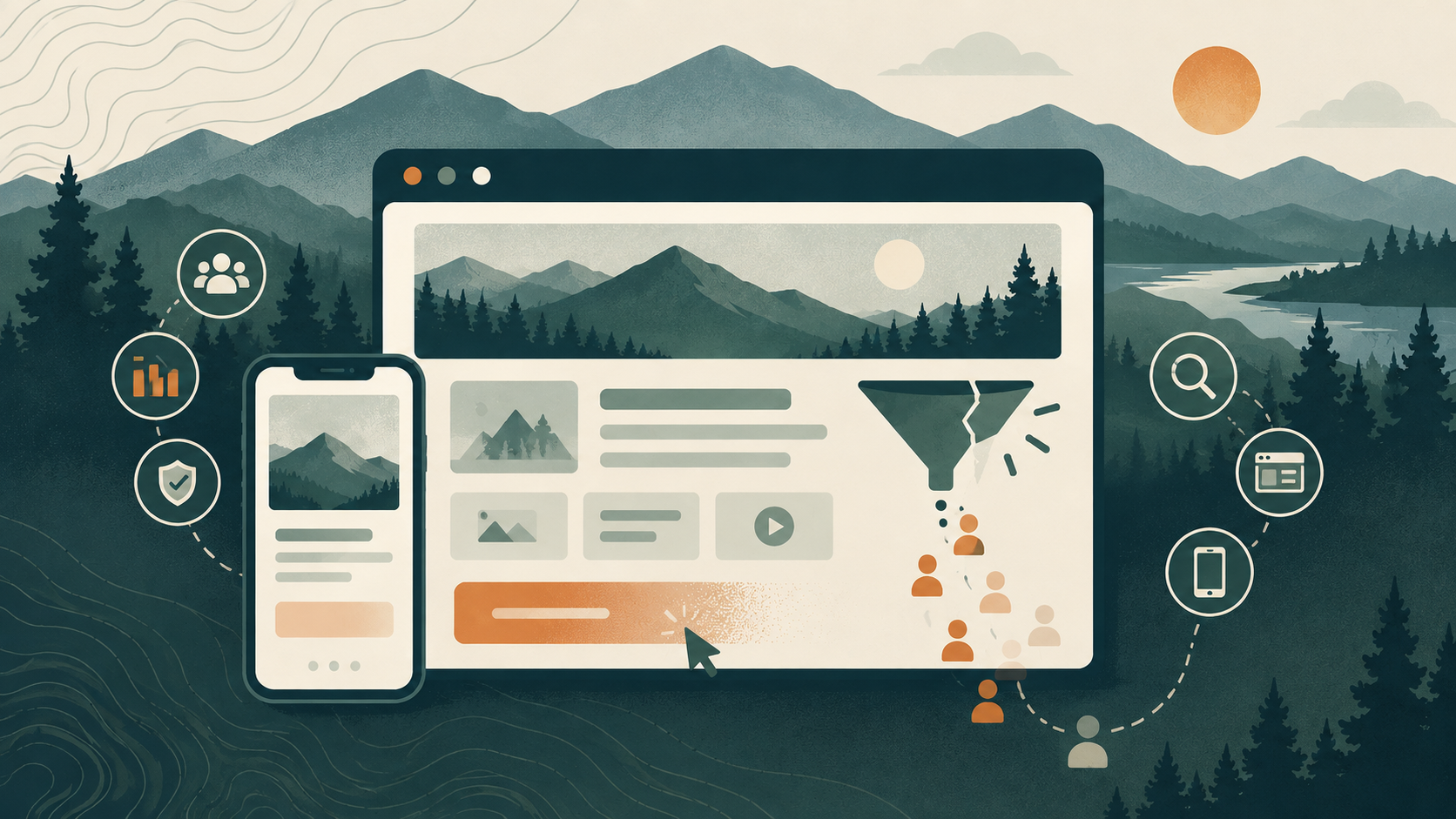
Your website may be doing exactly what you asked it to do—loading, displaying your services, and giving people a way to contact you—and still be losing leads.
That is because a website does not need to be broken to underperform.
A visitor can land on a polished homepage, struggle to understand what makes the business different, miss the next step, hesitate because trust is low, or leave because the mobile experience feels frustrating. None of those problems creates an obvious error message. They simply create fewer calls, fewer form submissions, and fewer opportunities.
For many small and mid-sized businesses, this is where marketing performance gets misunderstood. More traffic is often treated as the solution, when the real issue may be what happens after the click.
Before investing in another campaign, more advertising, or a full redesign, it is worth asking a more useful question:
Is your website making it easier for the right customer to take action—or quietly getting in their way?
Here are seven conversion problems to look for before 2027.
Build a Website That Makes the Next Step Clear
A strong website should help visitors quickly understand three things:
What you do. Who you help. What they should do next.
If those answers are hard to find, even strong traffic may not turn into meaningful leads.
Here are seven common conversion problems worth reviewing before 2027.
1. Your Messaging Is Too Vague
Your homepage should make your value clear within a few seconds.
If a visitor has to read several paragraphs to understand what your business offers, they may leave before they find the answer.
Generic phrases like “quality service” or “solutions for your needs” do not explain enough on their own.
Instead, your messaging should clearly communicate:
- What service or product you provide
- Who you serve
- Where you operate, if location matters
- Why someone should choose you
- What action they should take next
A simple test is to show your homepage to someone unfamiliar with your business and ask them to explain what you do after ten seconds.
If they cannot, the messaging probably needs work.
2. Your Mobile Experience Creates Friction
A large share of website visits happen on phones, especially when someone is searching locally, comparing businesses, or looking for contact information quickly.
A website that technically works on mobile can still be difficult to use.
Watch for problems like tiny text, crowded menus, buttons that are hard to tap, forms with too many fields, or contact information buried too far down the page.
Try completing your own customer journey from a phone.
Can you find the main service?
Can you call the business easily?
Can you fill out the form without zooming or scrolling excessively?
If the answer is no, your customers may be running into the same problems.
3. Your Calls to Action Are Too Weak or Too Easy to Miss
A visitor should never have to guess what to do next.
If your website uses vague buttons like “Learn More” everywhere, or if there is no clear next step on important pages, you may be losing people who are interested but not yet committed.
Calls to action should match the intent of the page.
Examples include:
- Request a Quote
- Schedule a Consultation
- Call Our Team
- View Our Services
- Start Your Growth Plan
The goal is not to add more buttons everywhere. It is to make the next logical step obvious.
4. Your Content Feels Outdated
Outdated content can quietly reduce trust.
Old team information, expired offers, outdated service descriptions, broken links, old events, or stale blog content can make a business look less active than it really is.
Visitors may wonder whether the company is still operating, whether the information is accurate, or whether they will receive a timely response.
Review your most important pages regularly and ask:
Does this still reflect how we operate today?
Are our services accurate?
Are our photos current?
Are there outdated dates or promotions?
Your website should reflect the business your customers are actually choosing now.
5. Your Navigation Is Confusing
A visitor should not have to work to find the information they need.
Too many menu items, unclear labels, duplicate pages, or deeply buried service information can make the website feel more complicated than the business itself.
Strong navigation usually prioritizes the pages that matter most to the customer journey.
For many businesses, that means keeping the path to services, about information, contact details, and key resources simple and predictable.
If your website structure reflects how your internal team thinks rather than how customers search for information, it may be time to reorganize it.
6. Your Website Does Not Build Enough Trust
Visitors often need reassurance before they contact a business.
That is especially true when the service involves a meaningful investment, long-term relationship, or unfamiliar provider.
Trust signals can include:
- Customer reviews
- Testimonials
- Project examples
- Case studies
- Team information
- Service-area details
- Professional photography
- Certifications or affiliations
- Clear contact information
The goal is not to overload every page with proof. It is to give visitors enough evidence to feel confident that your business is credible, capable, and responsive.
7. You Are Not Tracking What Happens After the Visit
One of the most important website problems is also one of the least visible.
If you are not tracking calls, form submissions, booked appointments, quote requests, or other meaningful actions, it becomes difficult to know whether the website is actually helping the business.
Traffic alone does not tell the full story.
A page may receive fewer visits but generate more qualified leads. Another may attract significant traffic but produce very little action.
Tracking helps answer better questions:
Which pages generate leads?
Which campaigns send qualified visitors?
Where do people drop off?
Which calls to action work best?
What should we improve next?
Without that information, website decisions often become guesswork.
How to Diagnose the Biggest Problem First
You do not need to rebuild your entire website because one area is underperforming.
Start by reviewing the customer journey from beginning to end.
Ask how visitors find your site, what they see first, whether the message is clear, whether the next step is obvious, and whether your team can track what happens afterward.
Then focus on the weakest point.
If traffic is strong but inquiries are low, look at messaging, calls to action, and trust.
If mobile visitors leave quickly, test usability.
If leads are coming in but you cannot tell where they came from, tracking may be the priority.
The goal is to improve the part of the website that is creating the biggest barrier to action.
Redesign or Improve What You Already Have?
Not every website needs a full redesign.
Sometimes the better move is to improve the existing site with stronger messaging, clearer navigation, better calls to action, updated content, and better tracking.
A redesign makes more sense when the underlying structure, technology, user experience, or brand presentation is holding the business back across multiple areas.
The decision should come from evidence, not appearance alone.
A website should be evaluated by how well it supports business goals, not simply by how new it looks.
Fix the Friction Before You Add More Traffic
It is tempting to assume that more traffic will solve a lead-generation problem.
Sometimes it does.
But if the website is unclear, difficult to use, or poorly connected to the rest of your marketing, more visitors may simply create more missed opportunities.
Before investing in another campaign, take a close look at what happens after someone arrives.
That is often where the biggest opportunity is hiding.
Get Your Free Business Growth Plan
Your website, search visibility, content, and lead process should work together, not compete for attention. Use NEKO’s Vermont Business Growth Guide to evaluate your current digital presence, identify opportunities, and prioritize the next steps that can support stronger growth.
Get Your Free Business Growth Plan or schedule a
Website Strategy Session to review your website, visibility, conversion path, and next steps.
Website Conversion Frequently Asked Questions
How do I know if my website is losing customers?
One of the clearest signs is a gap between traffic and action. If people are visiting your website but few are calling, submitting forms, booking appointments, or requesting information, there may be friction somewhere in the customer journey.
Review your messaging, mobile experience, navigation, calls to action, trust signals, and lead tracking to identify where visitors may be dropping off.
What makes a website convert visitors into leads?
A high-converting website usually combines clear messaging, simple navigation, strong trust signals, useful content, mobile-friendly design, and obvious next steps.
Visitors should quickly understand what you offer, why they should trust you, and what action to take next.
How often should a business website be updated?
Your website should be reviewed regularly as your business changes.
Service information, team details, contact information, offers, photos, and key calls to action should stay current. You do not need a full redesign every year, but your website should continue to reflect how your business operates and what your customers need today.
Should I redesign my website or improve the one I have?
Start with an audit before deciding.
If the foundation is solid, targeted improvements to messaging, navigation, mobile usability, conversion paths, or tracking may be enough. If the site has widespread issues with structure, technology, branding, or user experience, a redesign may be the better long-term investment.
Why am I getting website traffic but not enough leads?
Traffic alone does not guarantee conversions.
The problem may be unclear messaging, weak calls to action, a poor mobile experience, lack of trust, or attracting visitors who are not a strong fit. The best way to diagnose the issue is to review both traffic sources and what visitors do after they arrive.
What website metrics should I be tracking?
At minimum, track meaningful actions such as form submissions, phone calls, appointment requests, downloads, purchases, and other conversion events that matter to your business.
Traffic and engagement metrics are still useful, but they should be viewed alongside actual lead and customer activity.
How can I improve website conversions without spending more on advertising?
Start by improving the experience for the traffic you already have.
Clarify your messaging, strengthen calls to action, simplify navigation, update outdated content, improve mobile usability, add trust-building elements, and make sure leads are being tracked properly.
Often, fixing conversion friction can create more value before increasing ad spend.
How long does it take to see results from website improvements?
Some changes can have an immediate impact, especially improvements to calls to action, forms, mobile usability, or page clarity.
Other improvements, such as SEO, content, or broader website strategy, may take longer to show measurable results. The key is to establish clear conversion tracking so you can see which changes are actually improving performance.
What is the best place to start when auditing my website?
Begin with the customer journey.
Ask whether a visitor can quickly understand what you do, find the information they need, trust your business, and take the next step without confusion.
Then review your analytics and lead tracking to see where people may be dropping off.